Every rupee accounted for
This page shows what GrooveOmni charged you for, and how to give your accountant a statement.
Who can do this: Owner, Admin.
Step 1 — Open Billing activity
Go to Settings → Billing and scroll to Billing activity: "Invoices, credit notes and payments."
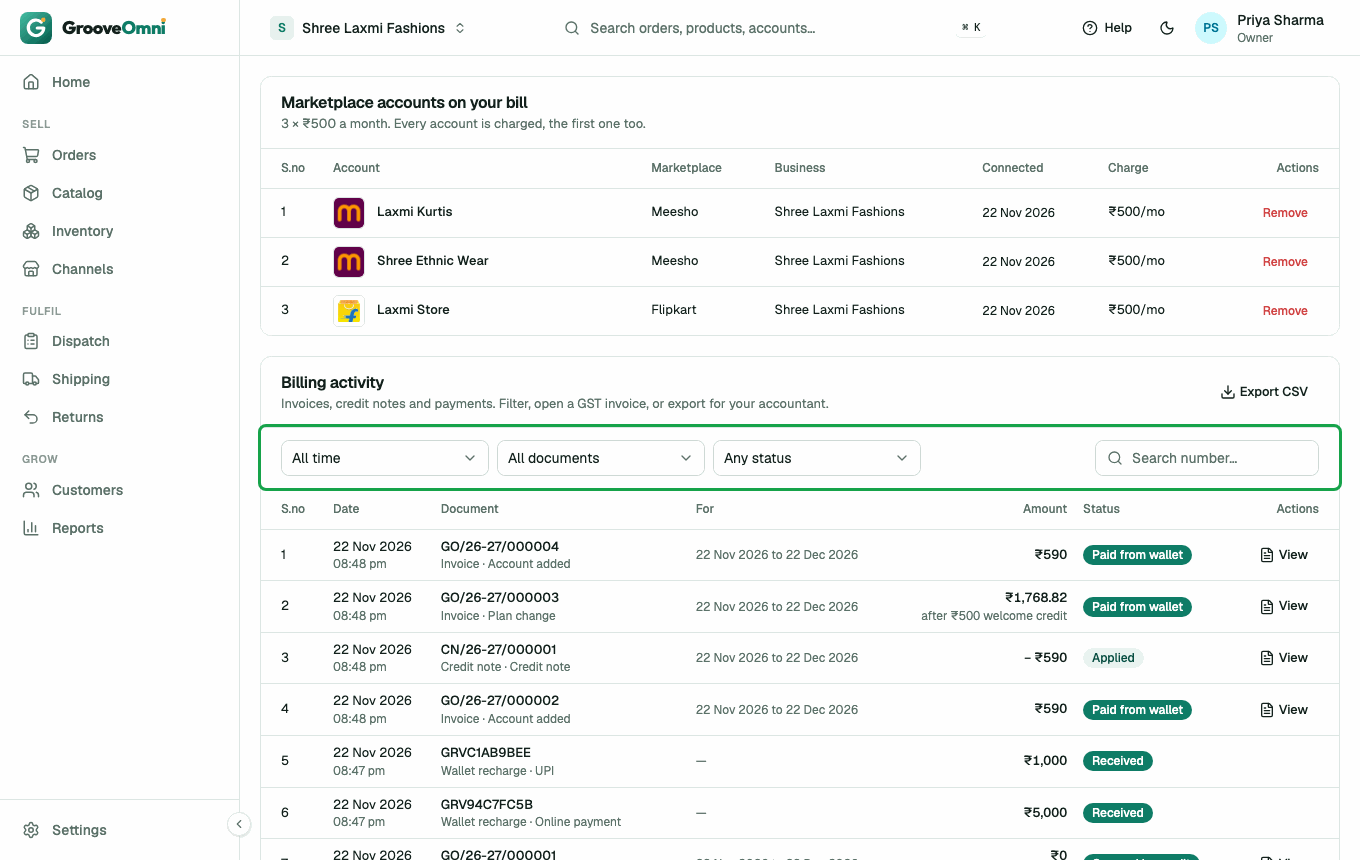 Billing activity lists every invoice, credit note and payment, with what it was for, the amount and its status.
Step 2 — Filter the list
| Filter | Choices |
|---|---|
| Date range | All time, This month, Last month, Last 3 months, This financial year, Last financial year, or Custom dates. |
| Document type | Invoices, Credit notes, Payments, Refunds. |
| Status | Due, Paid, Cancelled, Applied (credit note), Awaiting payment, Not completed, Received, Refunded. |
| Search number… | An invoice, credit note or payment number. |
An online payment (Razorpay) that was opened but not paid shows Not completed after an hour. If the money did leave your account, it still reaches your wallet when Razorpay confirms it.
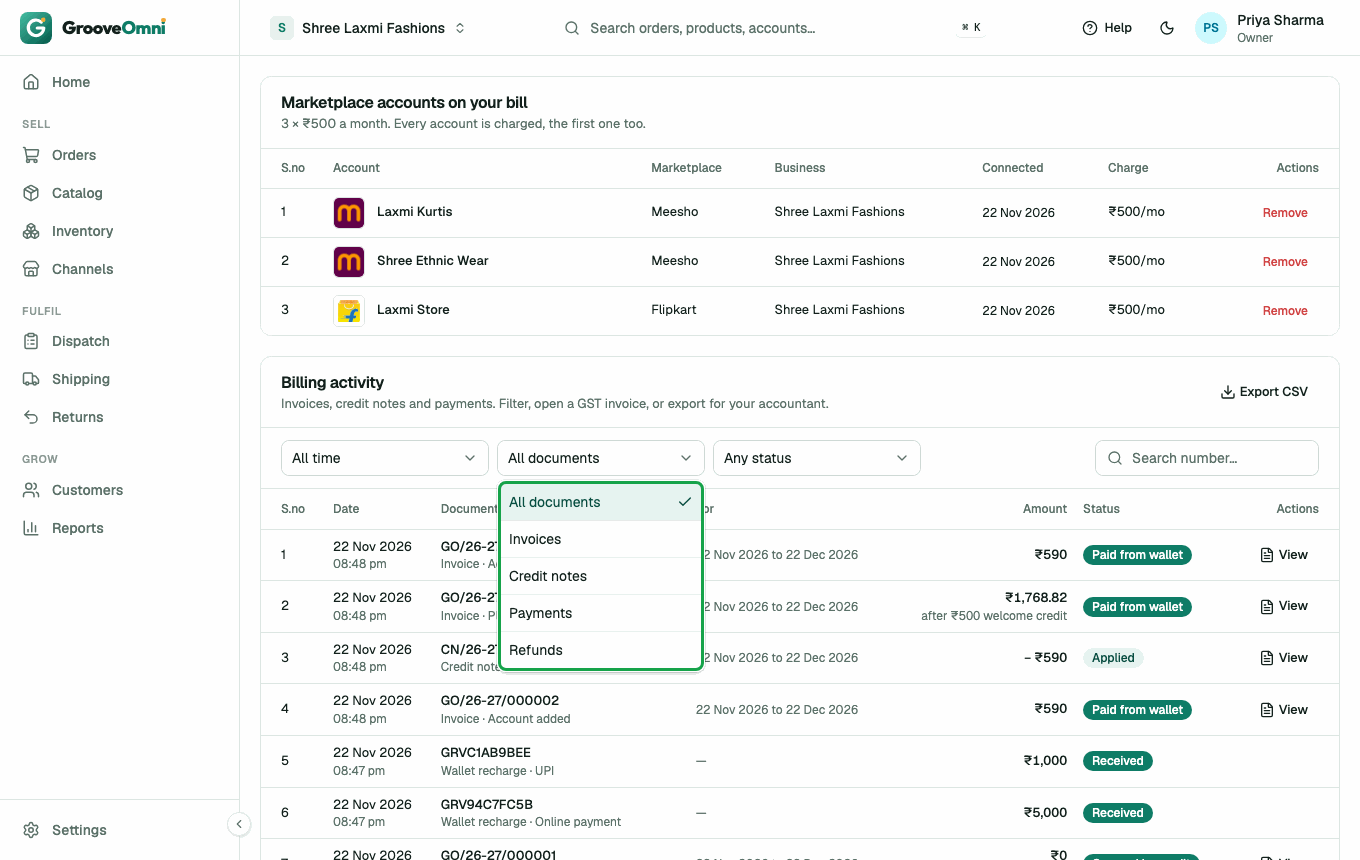 Filter by date range, document type and status, or search a number.
Step 3 — Read each row
Each row shows the date, the document number and what it was for (for example "Invoice · Renewal", "Invoice · Account added", "Credit note · Plan change", "Wallet recharge · UPI"), the period, the amount (with "after ₹… welcome credit" when the credit was used) and the status (Paid from wallet, Covered by credit, Due · by <date>, and so on).
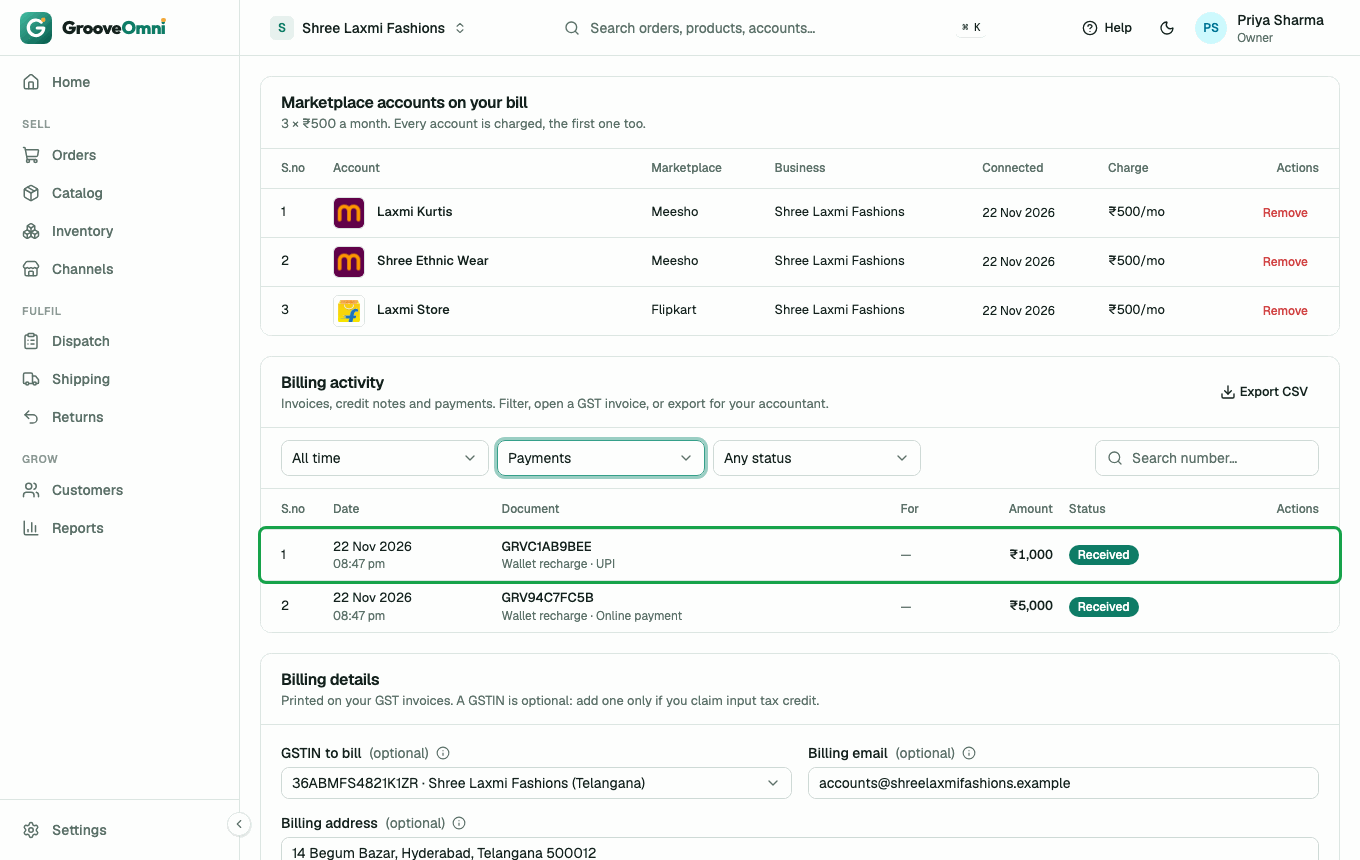 Payments shows every wallet recharge, online or by UPI, with its reference.
Step 4 — Export for your accountant
Click Export CSV to download the filtered list for your accountant. Open it in Excel.
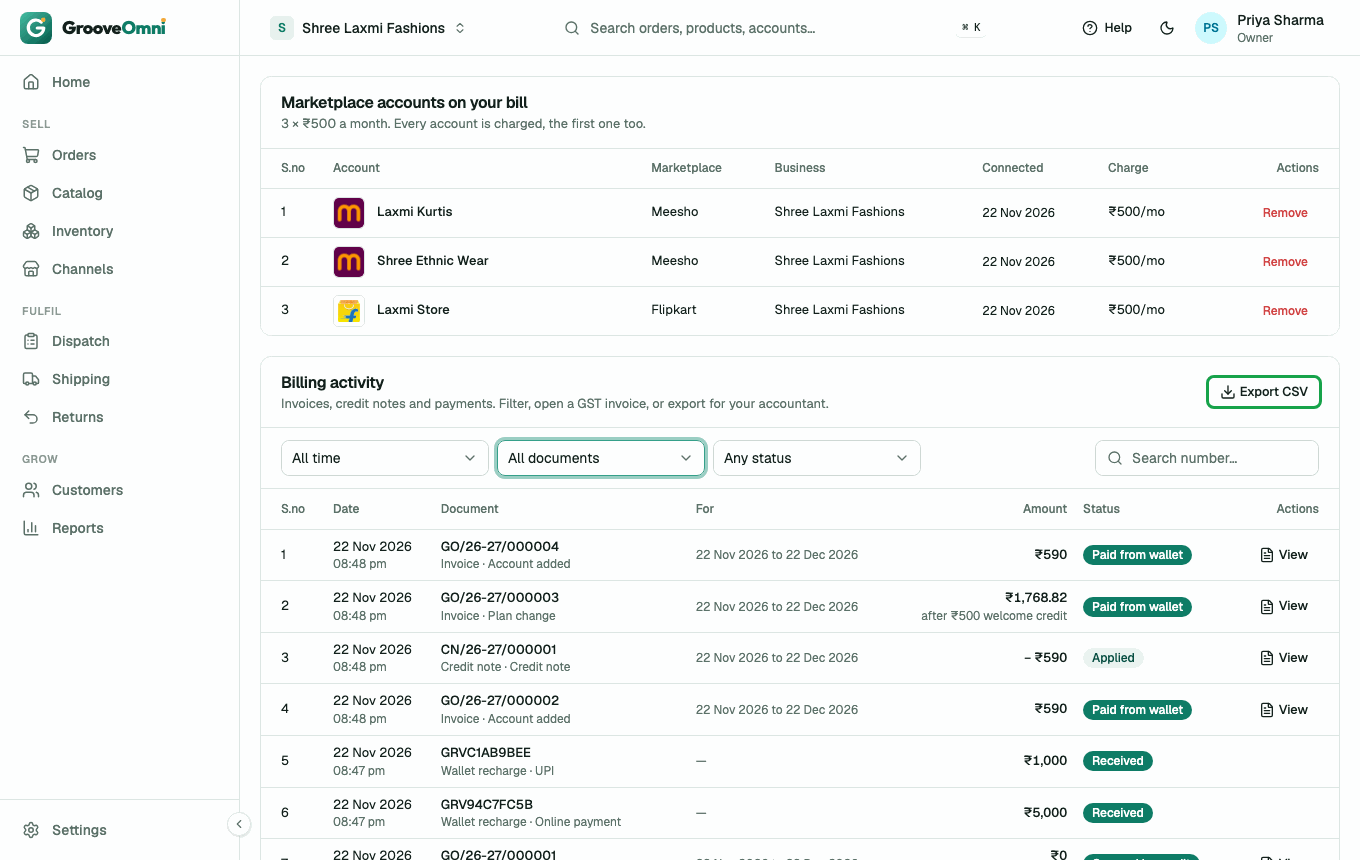 Click Export CSV to download the list for your accountant. Click View on an invoice to print it.
Step 5 — Print an invoice or credit note
Click View on any invoice or credit note to print it (see Invoices and GST).
What this does not cover yet
- Your own sales are on the Reports page (orders and their value), not in billing.
- Meesho payouts, commissions and settlements: coming soon. GrooveOmni does not read Meesho's Payments page yet.
- An accountant login (a read-only role for billing): coming soon. Today, send your accountant the CSV and the invoice PDFs, or give them an Admin login.
Common questions
Why do I see an invoice of ₹0? It was fully covered by the welcome credit. It is still issued so your records are complete ("Covered by credit").
What is a "Cancelled" invoice? An unpaid invoice that a later change replaced (for example an upgrade). A credit note goes with it, so you are never charged twice.
What's next
- Your business in 2 minutes Your own sales, in Home and Reports.
- What each role can do Who can see billing.
- Known issues and coming soon Meesho payouts and the accountant role.