Orders to dispatch today and tomorrow
This page shows how many orders you have to pack today and tomorrow, which ones are late, and what to pick from the shelf.
Who can do this: everyone.
Step 1 — Open Dispatch
Click Dispatch in the left menu (or Dispatch plan on the Orders page, or the Past dispatch deadline tile on Home). "What to pack and hand to the courier: today, tomorrow and later. Days are India time."
Step 2 — Read the tiles
The tiles count the orders still to hand to the courier:
- Late (past the dispatch time), Today, Tomorrow, Day after and later, No deadline (the marketplace gave no time);
- Cancelled today: "Do not pack these".
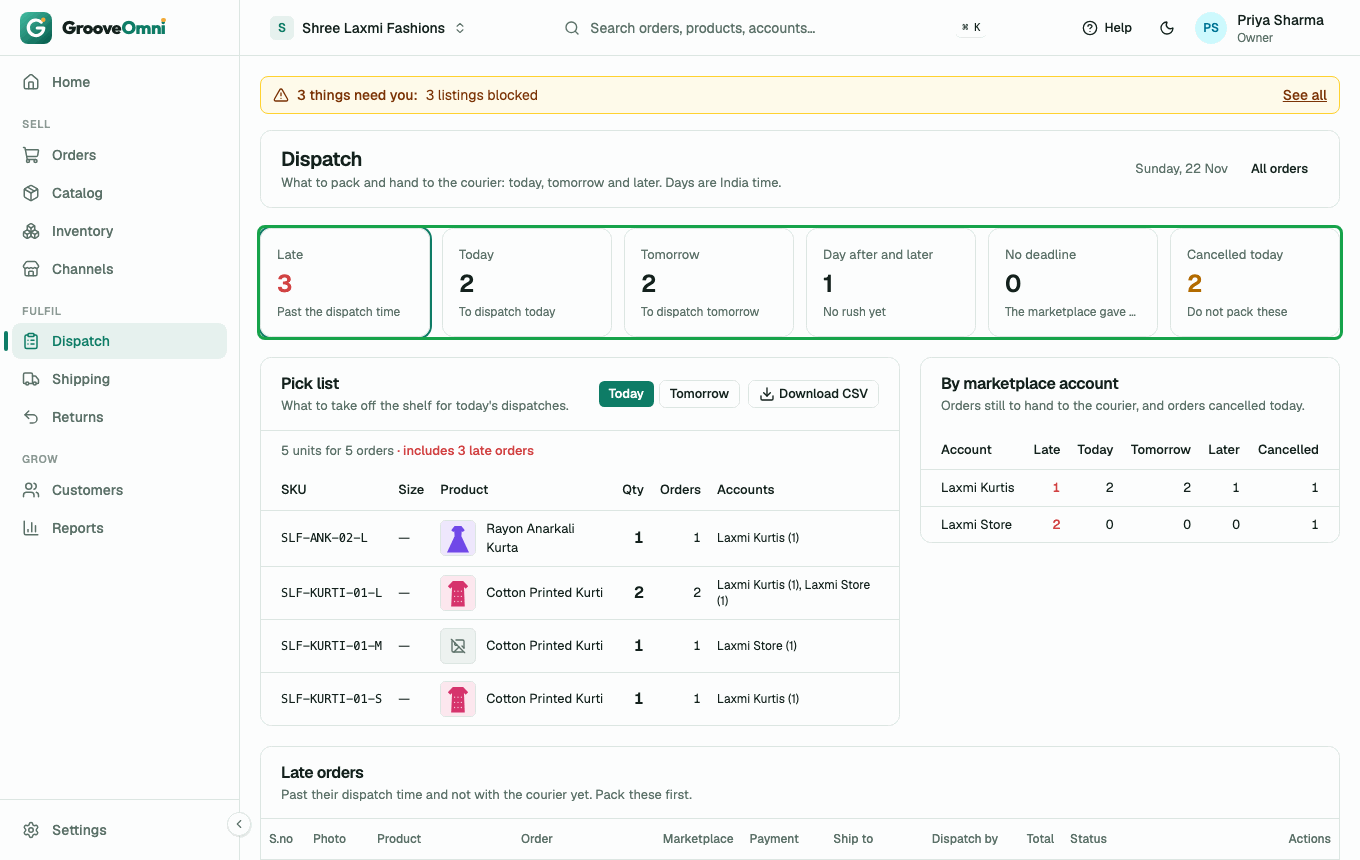 Click Dispatch: what to pack and hand to the courier today, tomorrow and later, in India time.
Step 3 — List the late orders first
Click a tile to list its orders below. Late orders: "Past their dispatch time and not with the courier yet. Pack these first."
Pack the Late orders before anything else.
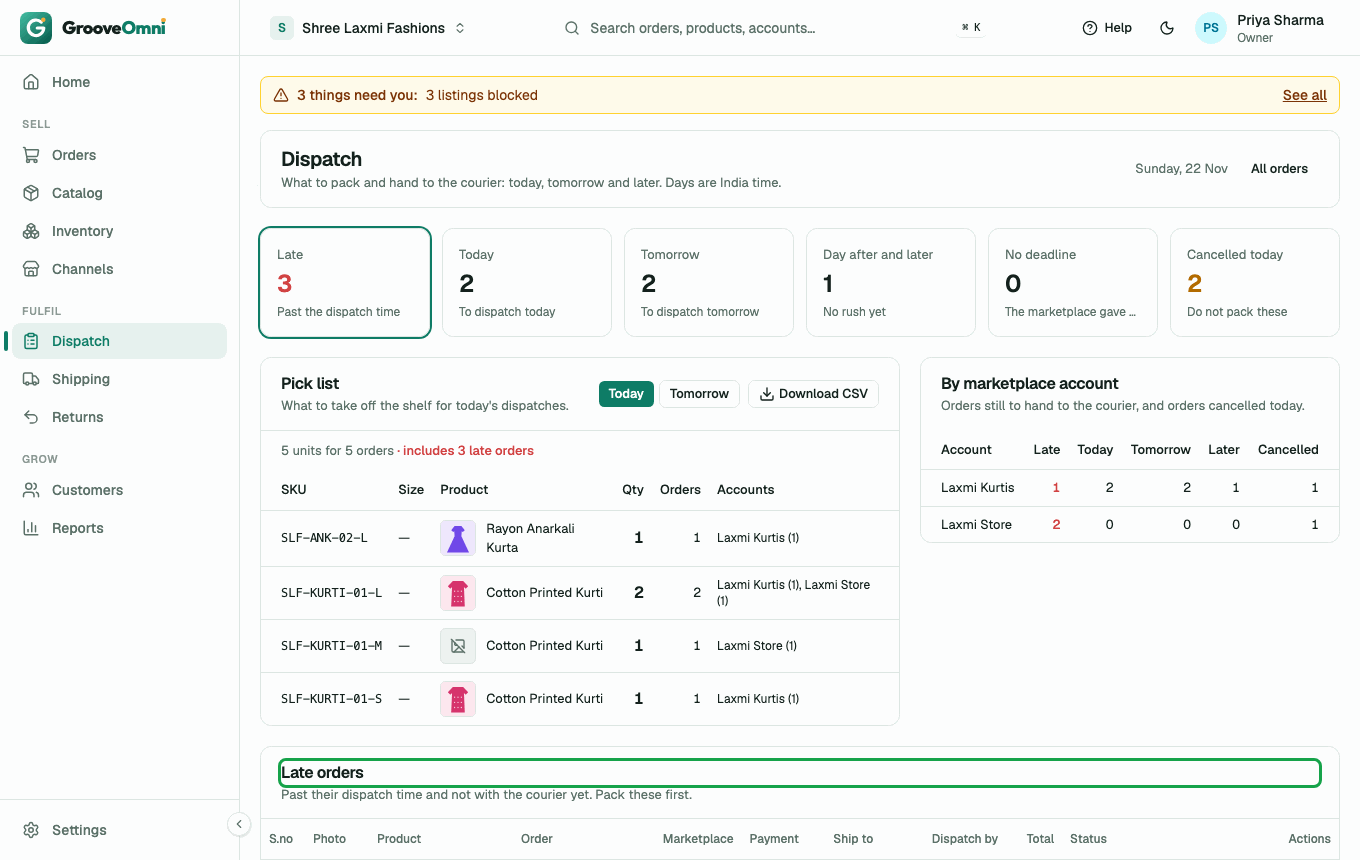 Click a tile to list its orders. Late orders are past their dispatch time: pack these first.
Step 4 — Print the pick list
The Pick list says what to take off the shelf for Today or Tomorrow: SKU, size, product, quantity, number of orders and accounts, with "12 units for 9 orders · includes 2 late orders". Click Download CSV to print it.
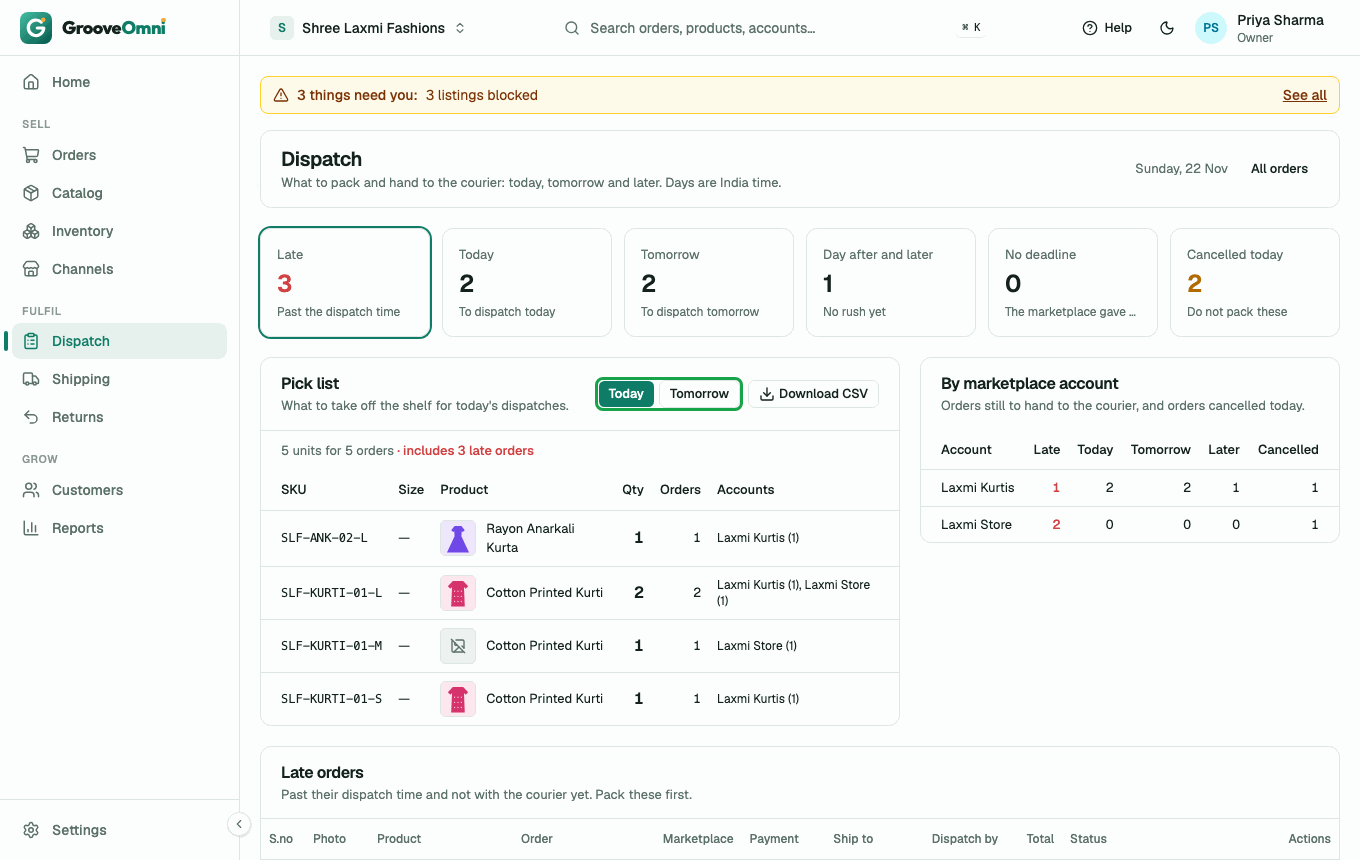 The pick list says what to take off the shelf for today or tomorrow. Download CSV to print it.
Step 5 — Check each account
By marketplace account shows the same counts per account.
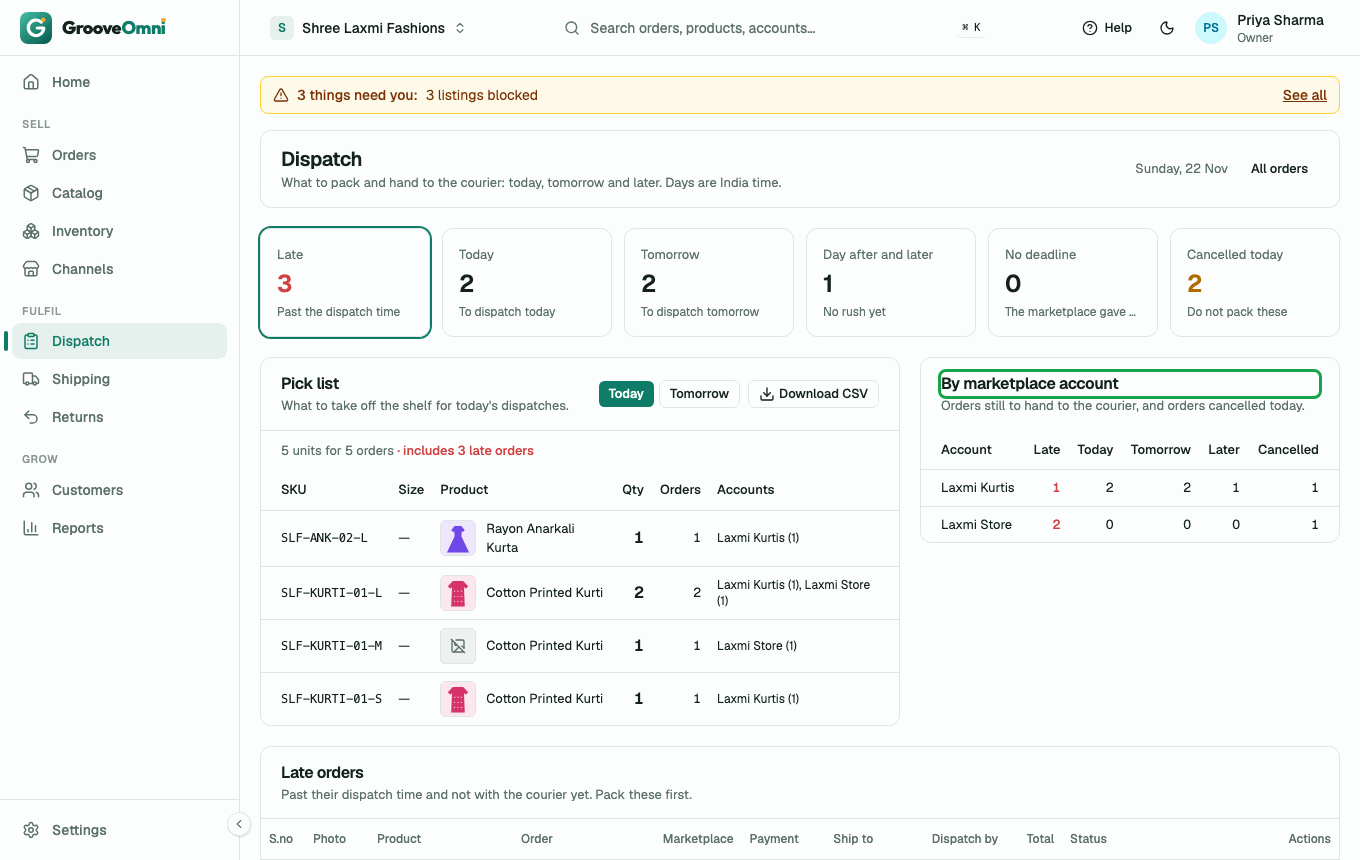 By marketplace account shows the same counts for each account.
Common questions
Which orders count? Orders still to hand to the courier: New, Accepted, Packed and Ready to dispatch.
Why is an order late? Its dispatch deadline (from Meesho) has passed and it is not shipped yet. Late dispatches hurt your Meesho dispatch health, so pack them first.
What's next
- Accept or cancel a Meesho order Accept new orders before you pack them.
- Labels and manifest Print the labels for today's parcels.
- Your business in 2 minutes The Past dispatch deadline tile on Home.