Keep your accounts safe
This page lists the few rules that keep your GrooveOmni and Meesho accounts safe.
Who can do this: everyone. Logins and roles: Owner, Admin.
Step 1 — Never send anyone your Meesho OTP or a password
Not even GrooveOmni support. We never need them. You type Meesho's OTP yourself, into Meesho's own page, only when connecting or logging in again.
If someone asks for it, it is not GrooveOmni support. Do not send it.
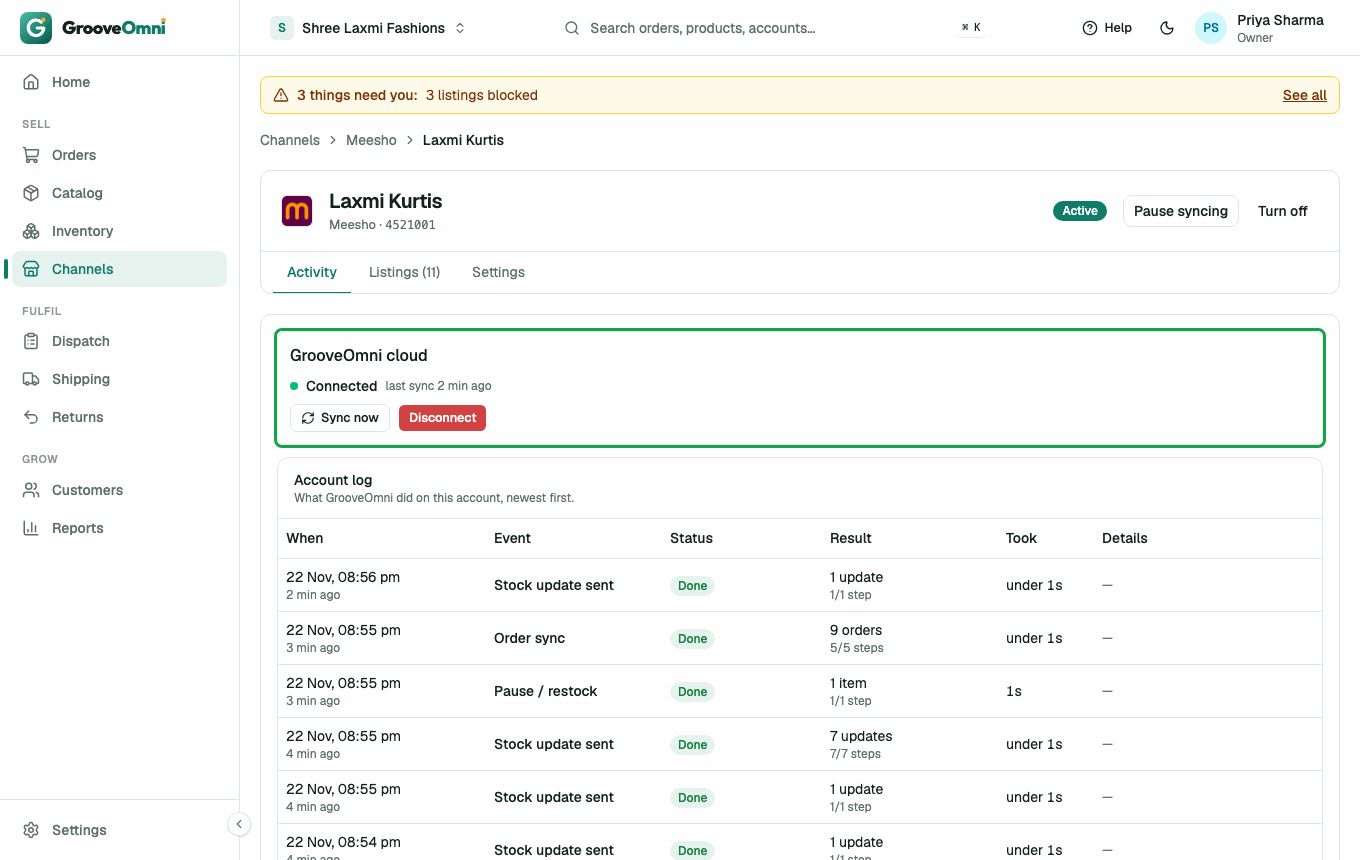 GrooveOmni keeps only the encrypted Meesho session, never your password. Disconnect deletes it.
Step 2 — Give each person their own login
Give each person their own login with the smallest role they need (see What each role can do). Remove people who leave at once (see Change a role or remove someone).
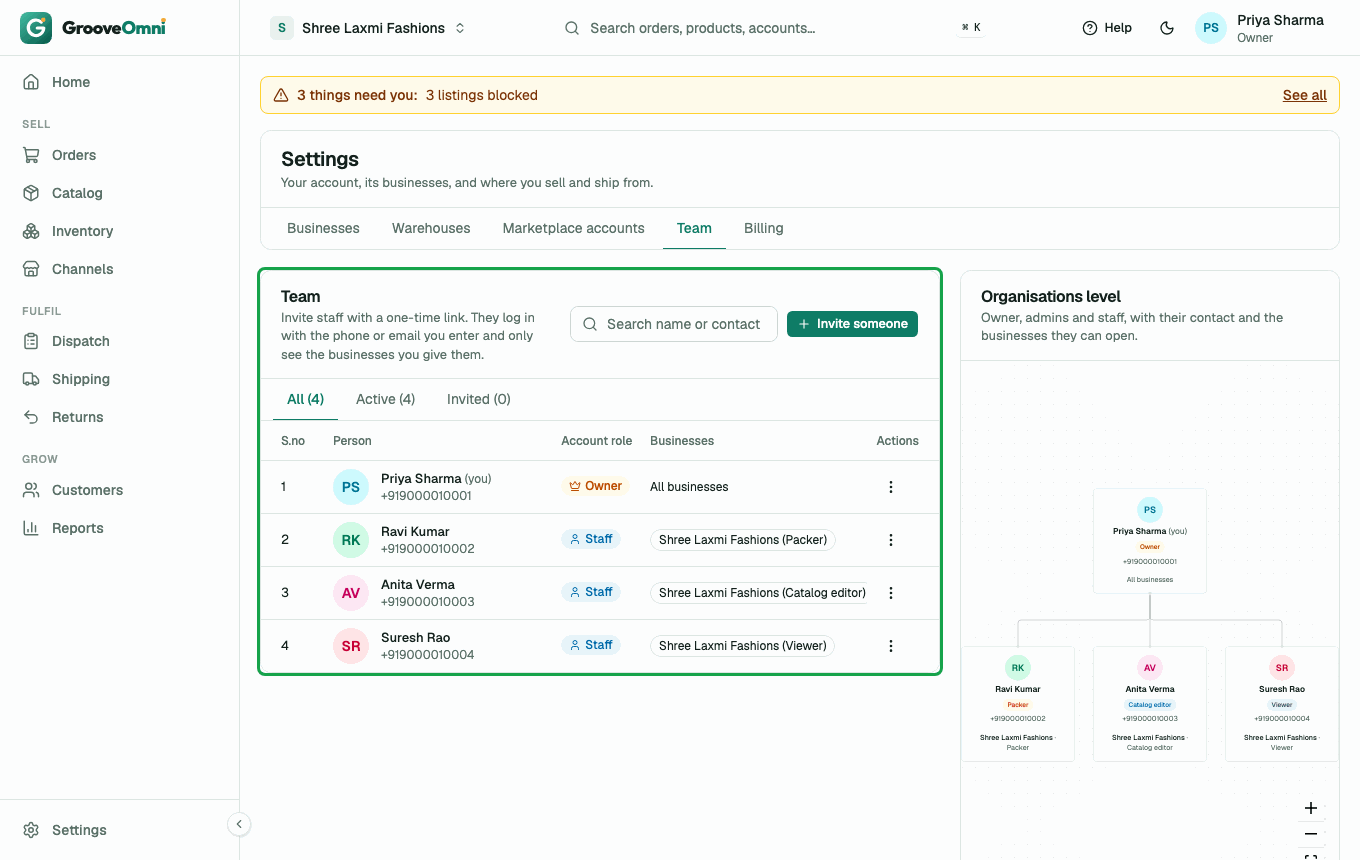 Give each person their own login with the smallest role they need, and remove people who leave.
Step 3 — Keep buyer details out of messages
Do not put buyer names, phone numbers or addresses in support messages. GrooveOmni masks them for you anyway.
What's next
- Connect your first Meesho account Why GrooveOmni never stores your Meesho password.
- Add a staff member One login per person, with an invite link.
- Getting help How to reach us safely.