Everything that needs you, in one place
This page answers whether anything is wrong, and what you have to do.
Who can do this: everyone sees it. The billing section is shown to the Owner and Admins only.
Where it is
- The yellow bar at the top of every page: "9 things need you: 9 listings blocked", or "1 account logged out: …". Staff who cannot fix these see "9 things need attention", with a note on who can fix them. Click See all or Needs you (n).
- The page Needs you: "Everything that needs you, in one place. Each line says what happened and what to do."
What it lists
| Section | Example line | Button |
|---|---|---|
| Marketplace accounts | "Laxmi Kurtis is logged out of Meesho, so orders, stock and prices are not syncing. Log in again to continue." Also: not logged in yet, cloud browser offline, an import that failed. | Log in, Open account |
| Stock not on the marketplace | "Not sent to Shree Ethnic Wear: logged out of Meesho. Log in to send." Or, per account: "3 SKUs wait for it: …". | Send again, Log in, Open account, Open product |
| Blocked or rejected listings | "Blocked on Shree Ethnic Wear: Product is disabled due to mismatch between Image & description. Kindly re-upload in the right category with correct details. Buyers cannot order it. Fix it in the Meesho panel; GrooveOmni shows the change after the next catalog sync." | See in Inventory, Open product |
| Catalogs not accepted | "Meesho did not accept "Rayon Anarkali Kurta" on Laxmi Kurtis: <reason>. Change what Meesho asks for, then publish it again." | Open product |
| Billing (Owner, Admin) | "Your bill of ₹590 could not be paid from the wallet. Recharge by 24 Dec to avoid Limited mode." | Recharge ₹…, Open billing |
When everything is fine: "Nothing needs you right now. Every account is logged in, every marketplace has your latest stock and nothing was refused."
Step 1 — Open Needs you
Click See all in the yellow bar.
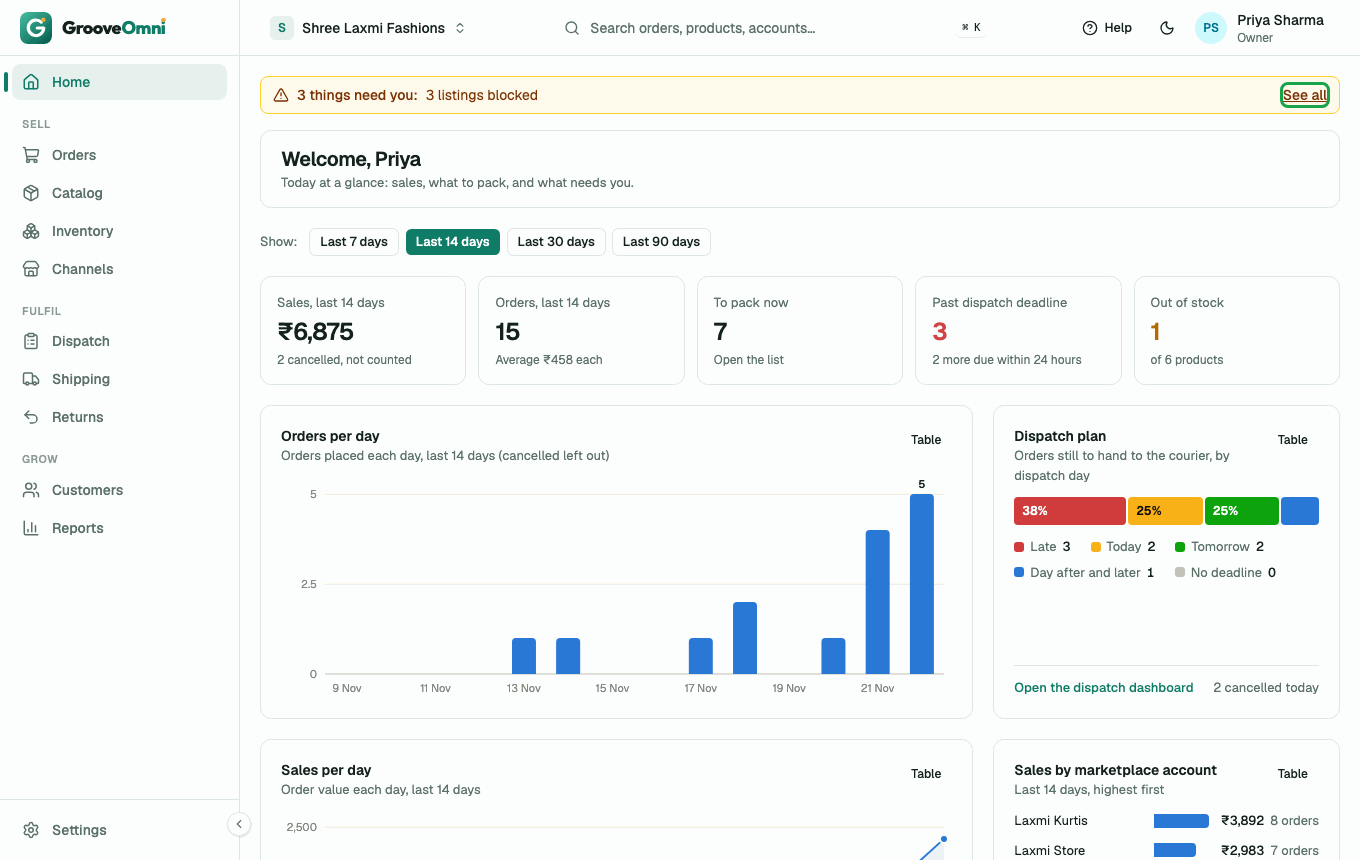 The yellow bar at the top of every page says what needs you. Click See all.
Step 2 — Work from the top
Accounts first (a logged-out account blocks everything else for that account), then stock, then listings and catalogs, then billing.
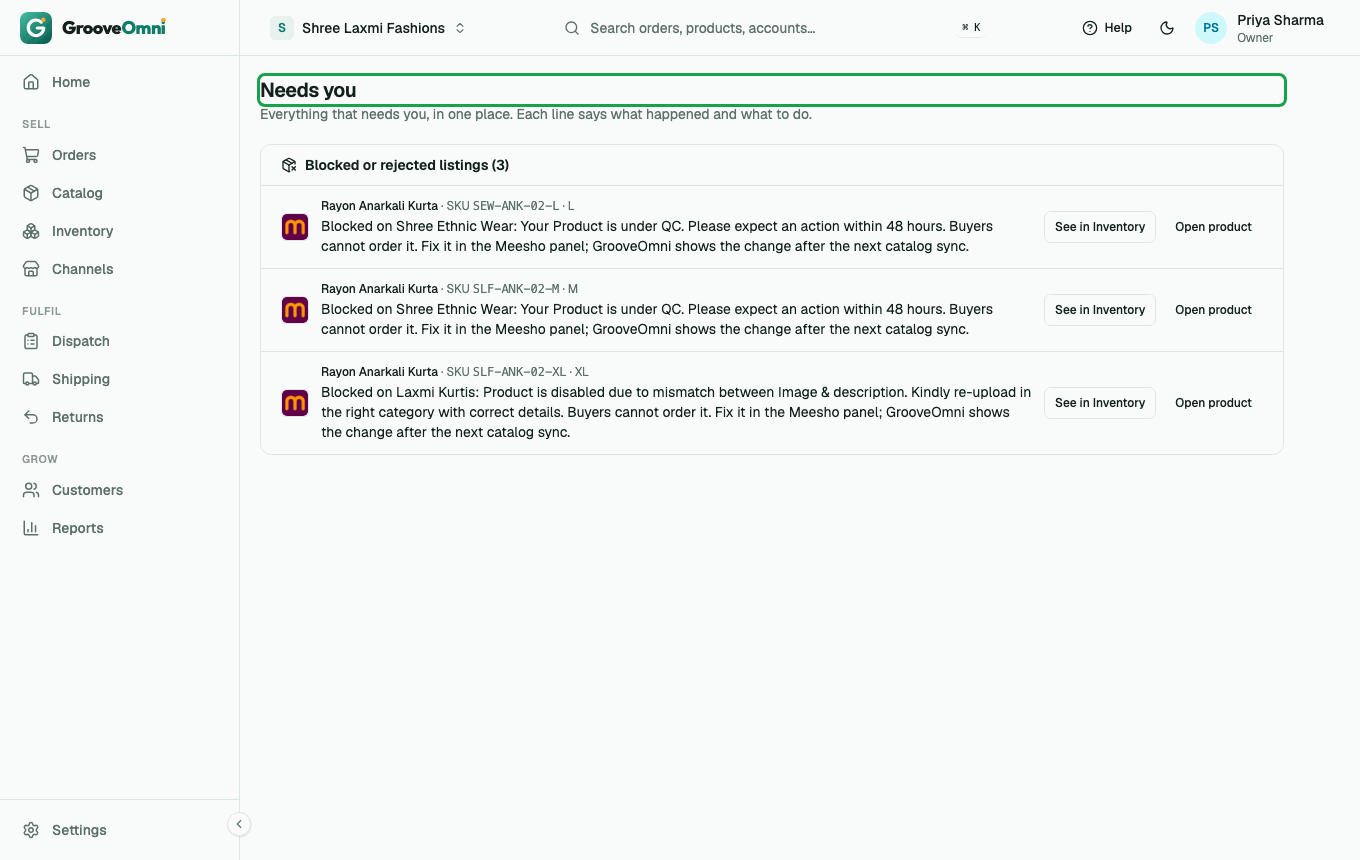 Needs you lists everything in one place. Each line says what happened and has a button to fix it.
Step 3 — Use the button on each line
Lines disappear by themselves once fixed (for listings, after the next catalog sync).
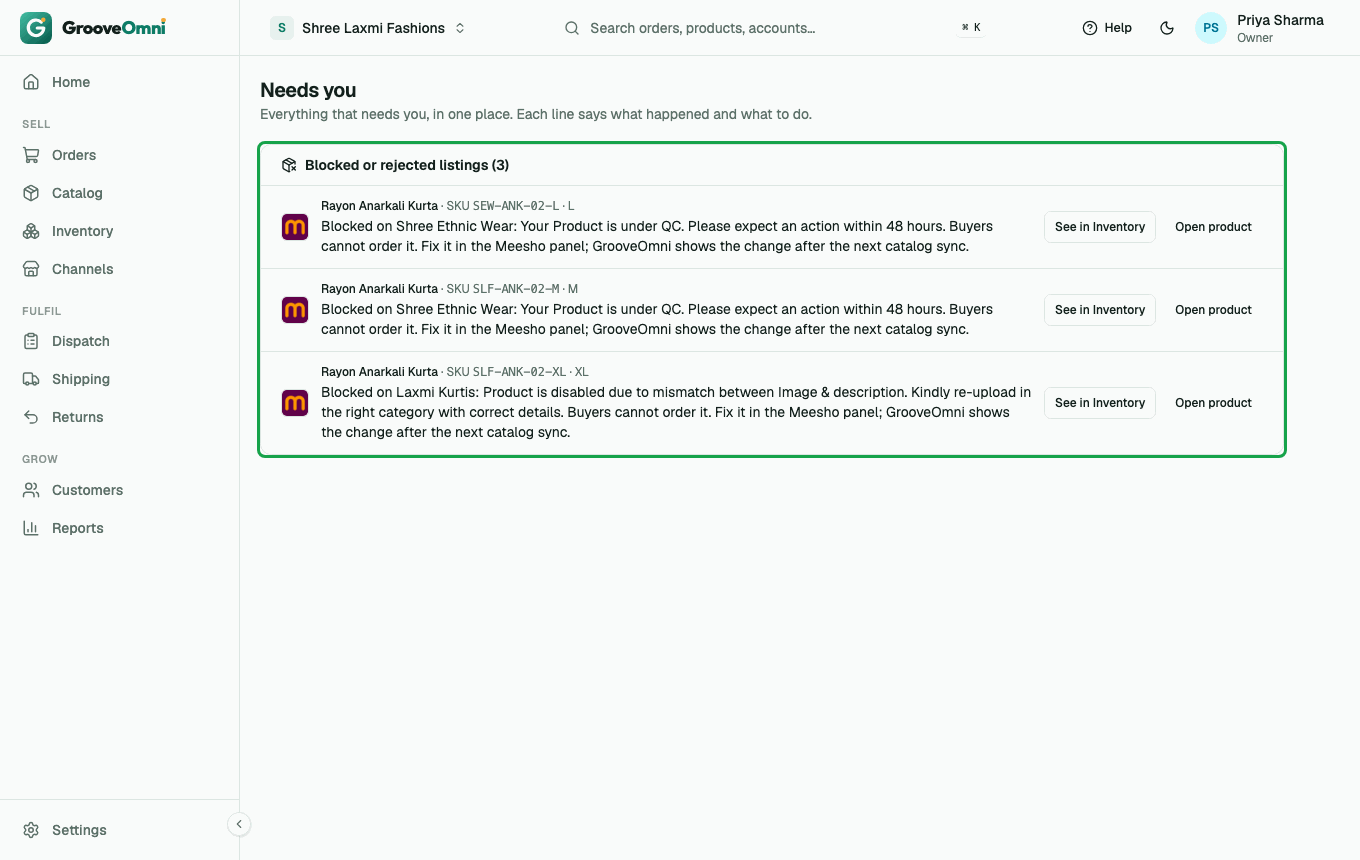 Blocked or rejected listings: Meesho’s own reason, and See in Inventory or Open product.
Common questions
Why does the bar count more things than I fixed? A long list shows the first 50 lines per section, with a link to see the rest in Inventory.
Is anything sent to me by WhatsApp or SMS? Not yet; check the yellow bar and Needs you.
What's next
- Logging in and out of Meesho Log a logged-out account back in.
- Problems in your catalog Blocked listings and refused catalogs.
- Is Meesho up to date? Stock that has not reached an account.